How to Write Coding Assignments in Python Like a Pro
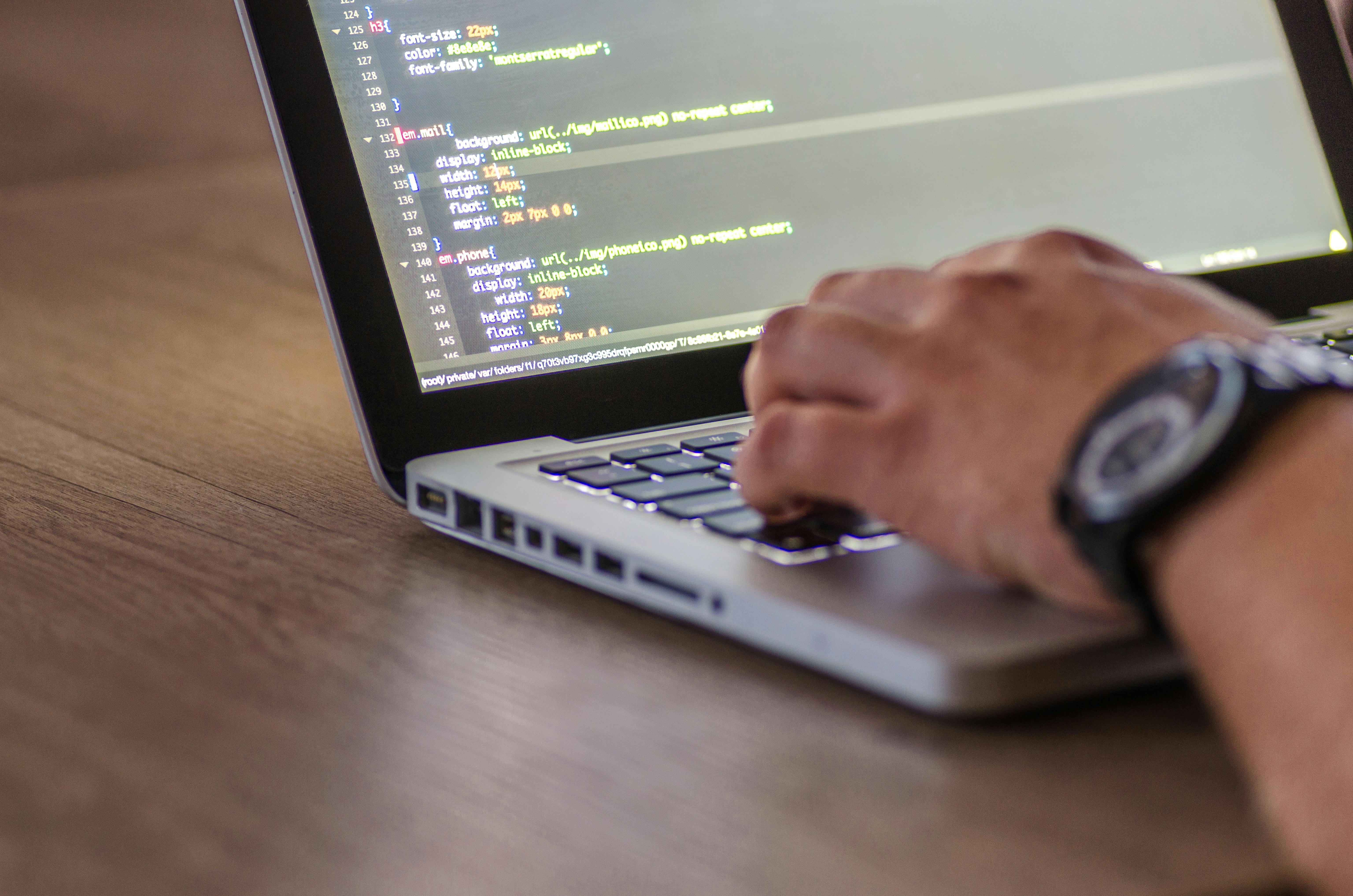
Writing coding assignments in Python requires more than just knowing the syntax. Students in 2026 are expected to demonstrate problem-solving skills, clean code structure, correct logic flow, and the ability to handle edge cases—especially in UK, US, Canada, and Australia universities. This guide walks you through every step of completing Python assignments like a pro, even if you are just getting started.
You can also explore foundational academic skills through helpful guides like How to Improve GPA, as strong coding performance is often tied to better study habits and consistent practice.
What Makes a Strong Python Coding Assignment?
A strong Python assignment is clear, modular, accurate, and follows academic standards. Professors usually evaluate:
Problem understanding
Clean, readable code
Correct functionality
Proper comments and documentation
Handling edge cases
Appropriate use of functions and data structures
If you struggle with planning, reviewing Time Management for Students can help you manage coding tasks effectively.
Step-by-Step Guide to Write Python Coding Assignments Like a Pro
Step 1 — Understand the Problem Statement Clearly
Before you write a single line of code, read the instructions twice. Note output format, constraints, data types, libraries allowed, and expected logic.
If your assignment includes analytical or conceptual writing sections, you may also refer to The Ultimate Guide to Study Tips and Techniques for improving comprehension and learning efficiency.
Step 2 — Break the Task Into Smaller Logical Parts
Python is easiest to manage when you divide the problem into smaller components:
Inputs
Processing
Outputs
Edge cases
Validation checks
This structured approach ensures you write clean, maintainable code.
Step 3 — Choose the Right Python Tools and Libraries
Depending on the task, you may need:
math for calculations
pandas for data analysis
numpy for arrays
random for simulations
json for file handling
matplotlib for graphs
Make sure these libraries are permitted by your professor or course rules.
External Resources for Confirmation:
Step 4 — Start with a Basic Code Skeleton
Example:
def main():
# Step 1: Input
# Step 2: Processing
# Step 3: Output
pass
if name == "__main__":
main()
Starting with structure prevents messy or unorganized code.
Step 5 — Write Clean, Readable Code
Follow these coding style rules:
Use meaningful variable names
Write short functions
Keep consistent indentation
Add comments for clarity
Avoid overly complex logic
Using comments wisely improves readability, especially if the assignment includes a discussion or reflection section similar to those explained in How to Write a Discussion Section of a Research Paper.
Step 6 — Test Your Code Thoroughly
Test with:
Sample inputs
Extreme values
Empty values
Incorrect values
You should also test using both manual and automated methods (assertions, unit tests).
Step 7 — Document Your Work
A professional Python assignment includes:
Purpose of each function
Explanation of logic
Assumptions
Limitations
This also aligns with general academic writing principles, similar to what you learn in How to Write a Thesis Statement.
Common Mistakes Students Make in Python Assignments (and How to Avoid Them)
1. Writing Code Without Planning
Jumping straight into coding leads to poor logic. Always outline first.
2. Ignoring Edge Cases
Assignments often include hidden test cases.
3: Overusing Libraries
Use libraries only when necessary—professors may penalize unnecessary complexity.
4: Poor Commenting
Comments are not optional. They reflect your understanding.
Real Example — Python Assignment Sample (Beginner Friendly)
Task:
Write a function that checks whether a number is prime.
Solution:
def is_prime(num):
if num <= 1:
return False
for i in range(2, int(num**0.5) + 1):
if num % i == 0:
return False
return True
print(is_prime(29))
Why this is a strong solution
Efficient logic using sqrt(n)
Clean structure
No unnecessary libraries
Handles edge cases
Study Habits That Help You Excel in Python Assignments
Python coding performance improves when paired with consistent study habits. Explore guides like UK Student Discounts to reduce academic expenses and UK Student Visa Interview preparation if you're studying abroad—they help reduce stress and indirectly improve academic focus.
FAQs
What is the best way to start a Python assignment?
Start by fully understanding the problem and breaking it into smaller parts—inputs, logic, and outputs.
How do I choose the best Python libraries for my assignment?
Refer to the task requirements. If unsure, check the Python Official Documentation.
How can I improve my Python logic?
Practice small problems daily and analyze sample solutions from trusted learning platforms like RealPython.
Is it okay to use ChatGPT for debugging?
Yes, if allowed by your professor. Always declare assistance if required by academic policy.
Conclusion
Writing Python coding assignments like a pro requires a balanced mix of logic, structure, readability, testing, and clear documentation. When you break tasks down properly and follow coding best practices, Python becomes easier, faster, and more intuitive. The more you practice, the better your problem-solving skills become.
